University of Bath
Research Computing Team (DDaT)
Anatra HPC Documentation
Opening a terminal in JupyterHub
Accessing the new Anatra HPC service is through ssh (secure shell) on the terminal, or through an ssh client.
For the purposes of this workshop you can use your own ssh client, access the terminal on your local machine or we can use the Research Software Skills JupyterHub instance to access a terminal.
This episode details how to get started on the Jupyterhub (normally used for notebooks) and accessing the terminal on JupyterHub.
This service runs a common Linux operating system with similar appearance to that found on MacOs and HPC services. You can access this service from any PC or laptop by connecting to the JupyterHub service and logging in.
Getting Started
First we need to log-on to the server: https://rss.jupyterhub.bath.ac.uk, you should be redirected to use your University account via the Microsoft web login. This should start a jupyterhub service running on the server and return you to a page that looks like:
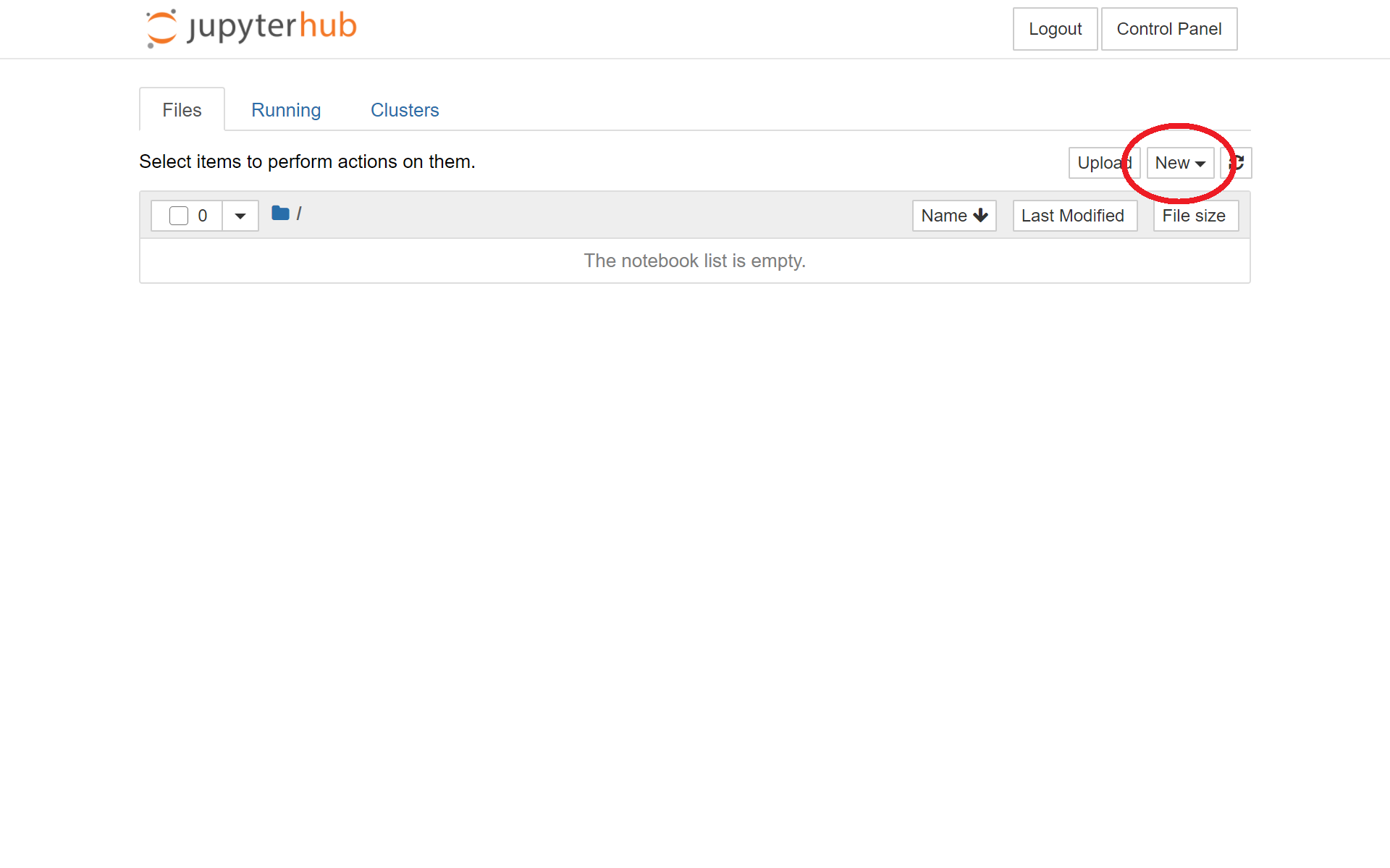
Click on the new button and select terminal to launch the terminal Linux session which we will use through the rest of the lesson. This should open a new tab that looks like:
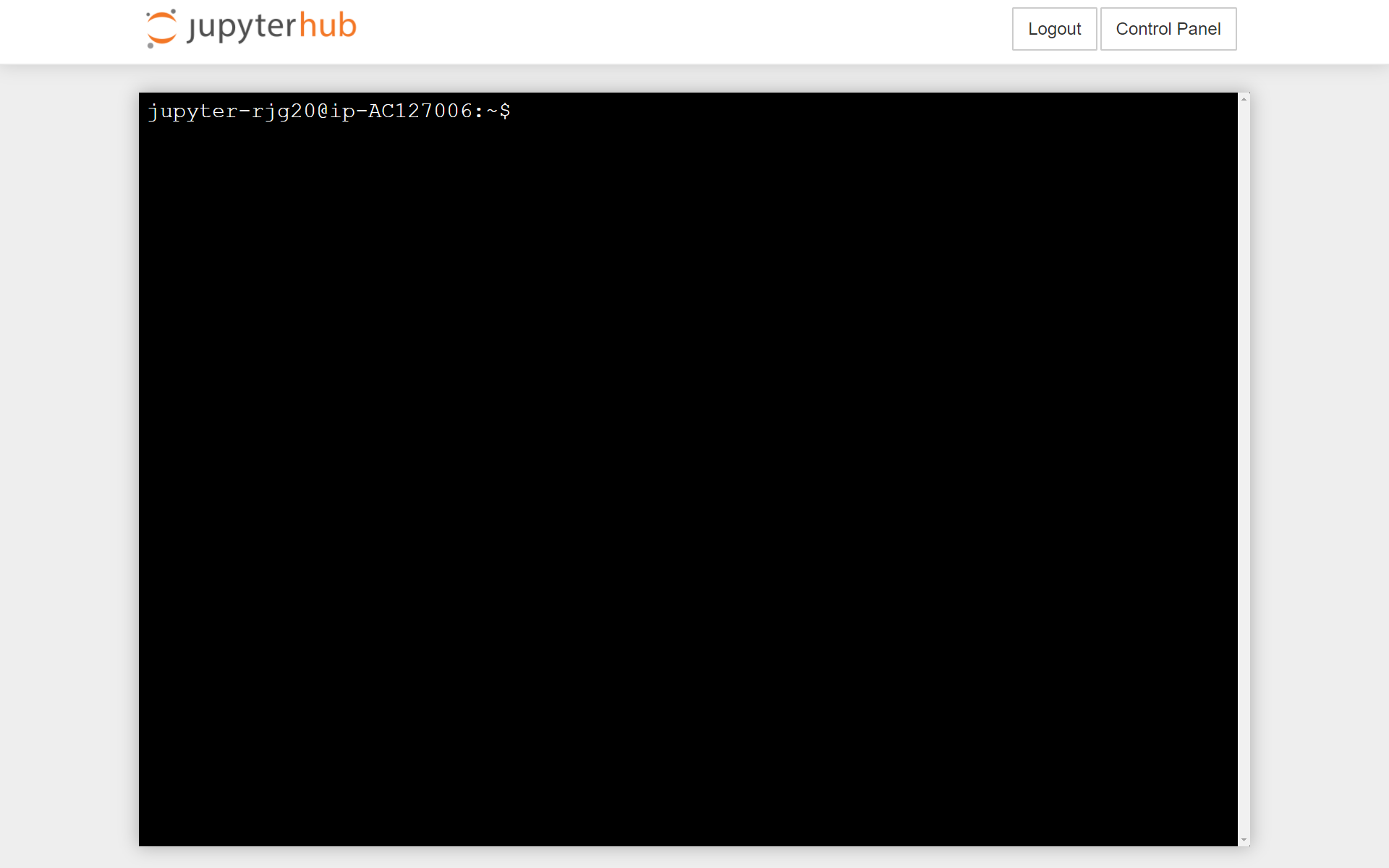
You are now ready to start the lesson. Details of how to access the University Cloud HPC service follow.